
A local-first code agent, with Git and deploy built in
The siGit Code agent runs on your device and reads your codebase. Commit, edit and deploy to smbCloud from the same app, on macOS, iOS, Android, Windows and Linux.




Code agent
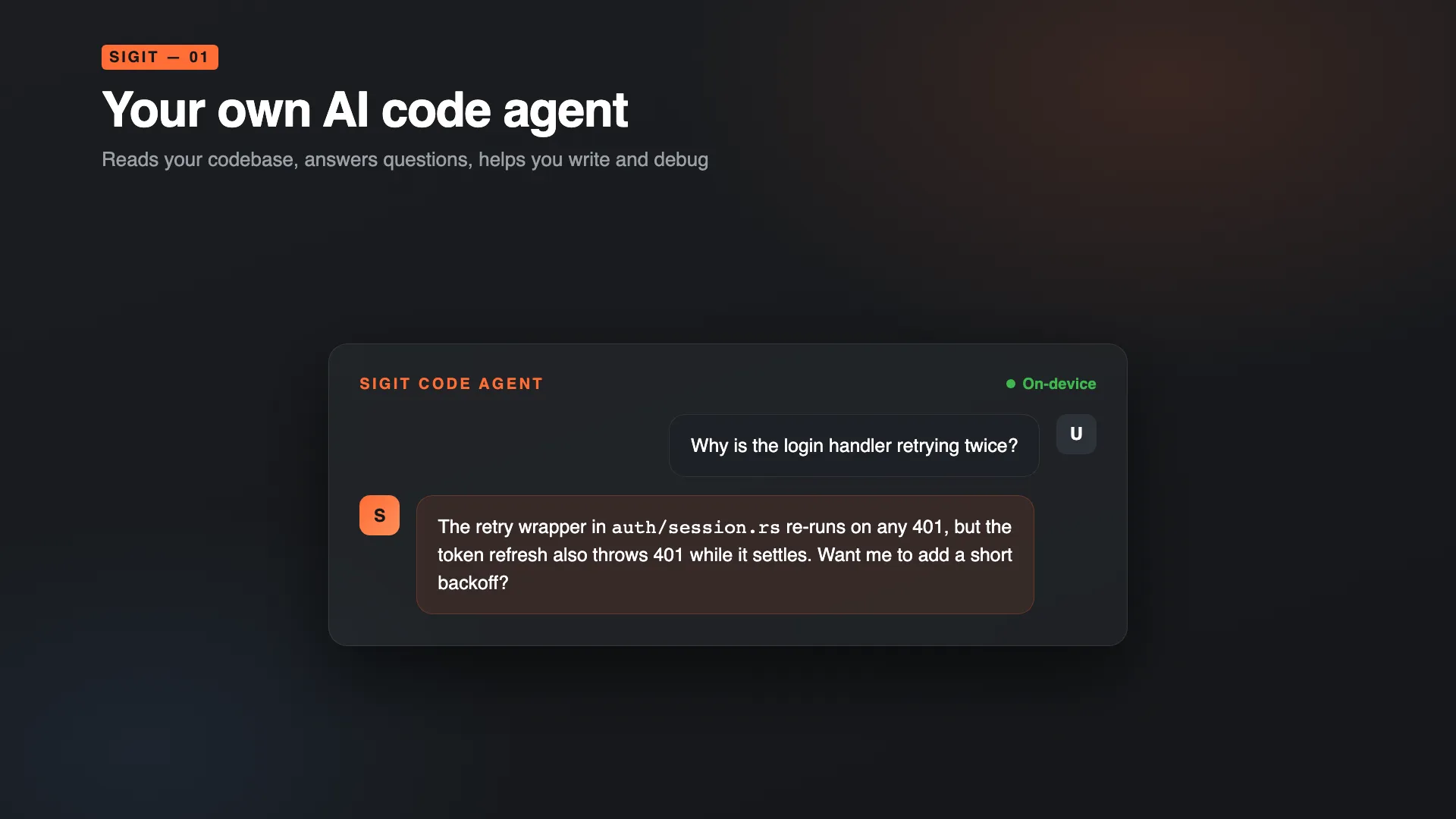
The agent runs on your device
The siGit Code agent reads your project, answers questions about your code and helps you write, refactor and debug. Inference runs locally, so nothing you type is sent to a cloud service.
Git
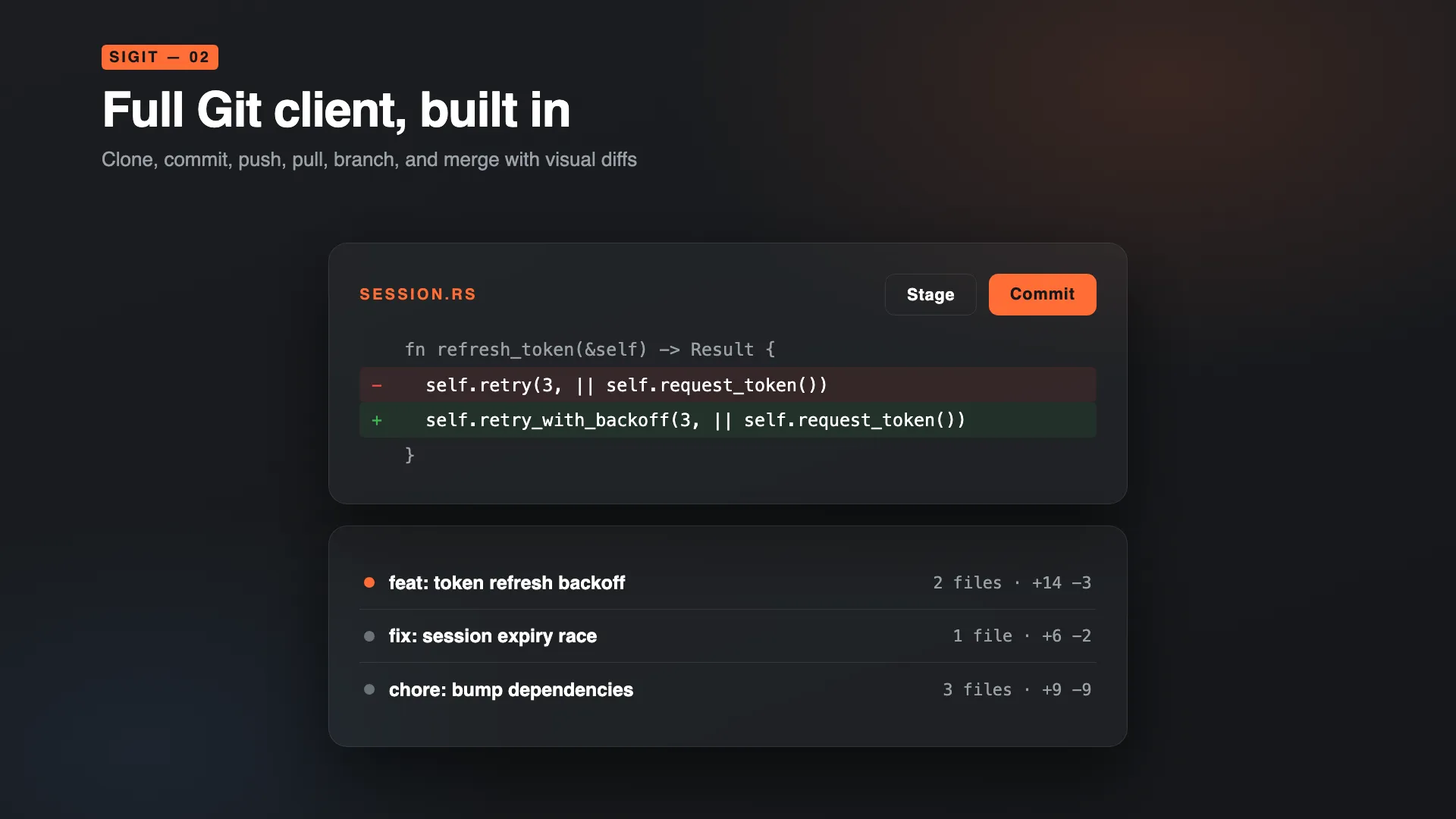
A full Git client
Clone, commit, push, pull, branch and merge without leaving the app.
- Visual diffs show what changed and why
- Clone over HTTPS or SSH
Editor
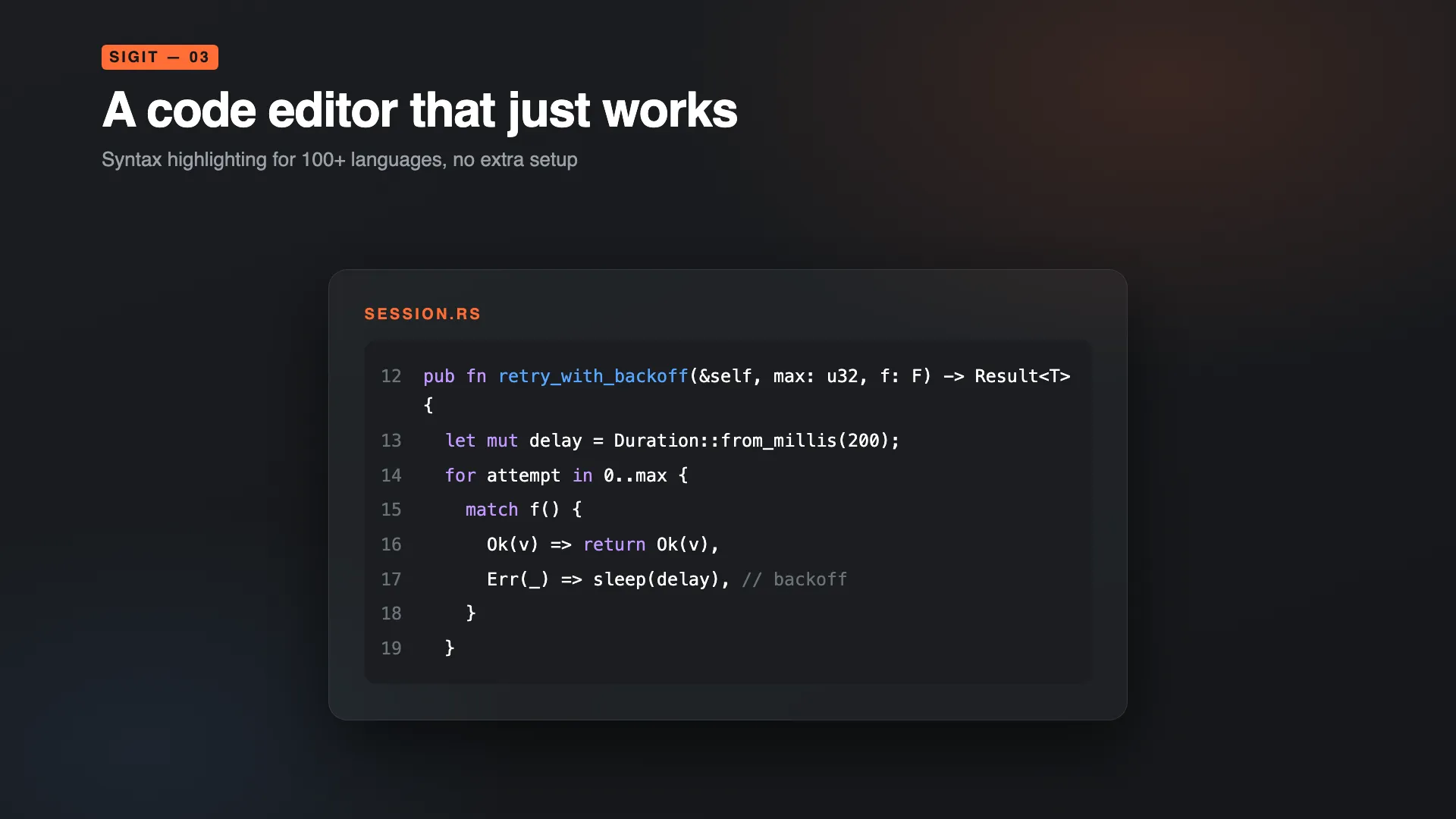
An editor next to the agent
Open, edit and move around your files without switching tools.
- Syntax highlighting for more than 100 languages
- A file browser and search across your project
Deploy
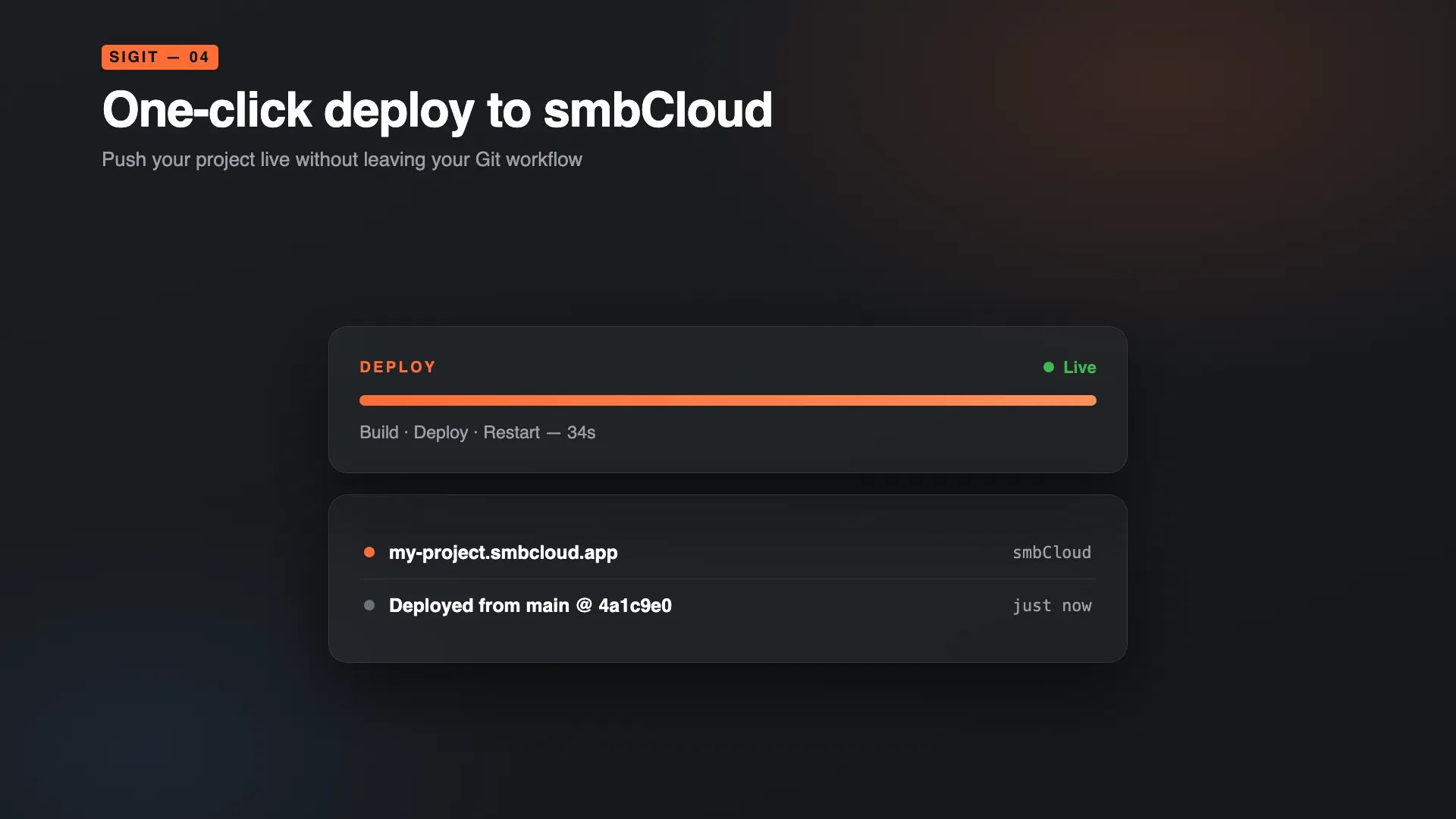
Deploy to smbCloud
Push your project to smbCloud from siGit. One-click deployment connects your Git workflow to a live environment.
Privacy
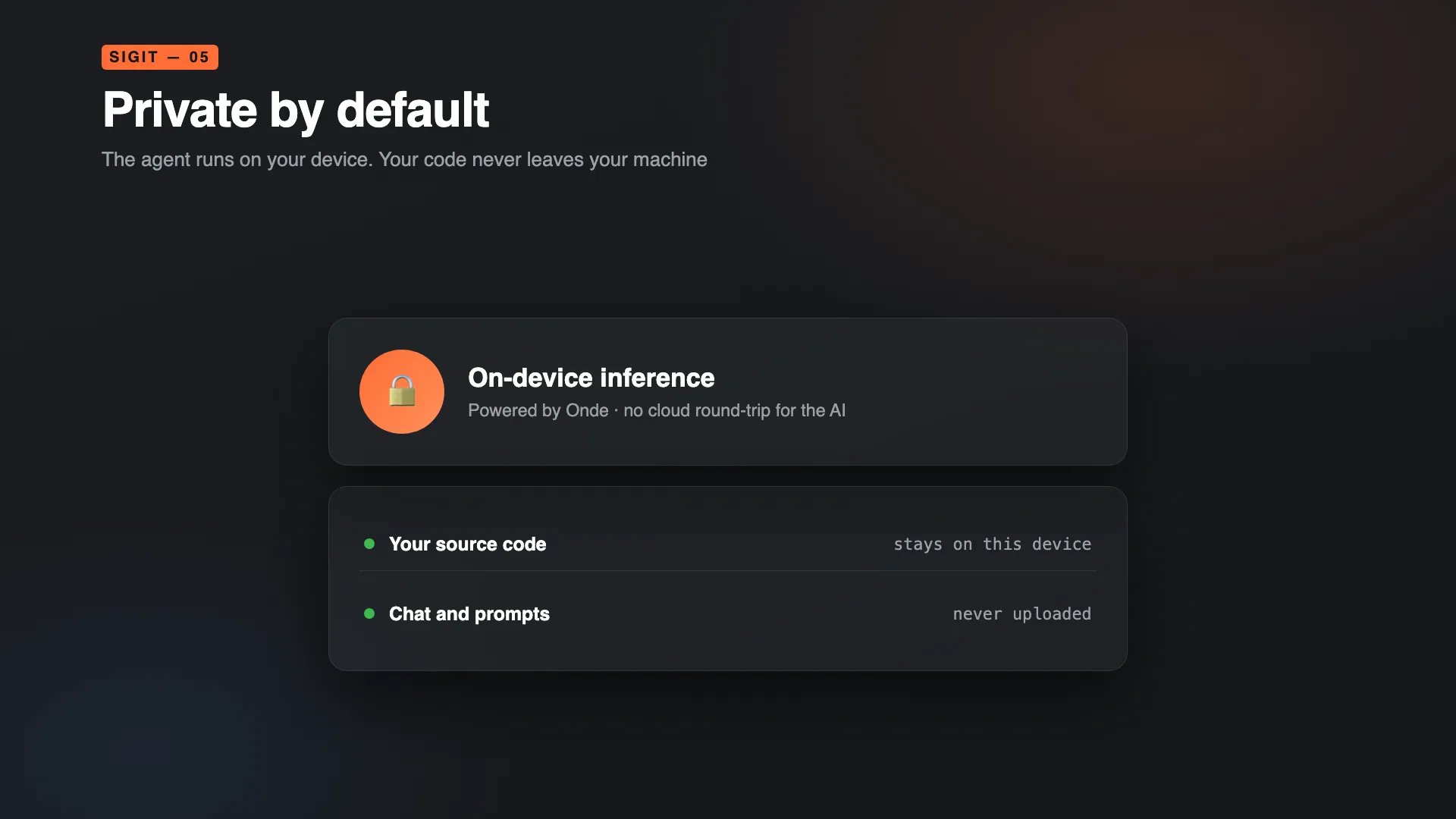
Private by default
The agent runs on your device, and siGit does not upload your source to external servers. Nothing leaves your machine unless you choose a hosted product.
Hosted option
siGit Code Cloud
Some work needs more than a laptop. siGit Code Cloud is the hosted version of the same agent. Sign in, pick a quality tier and chat, and your conversations are saved so you can come back to them. Repositories can live on sigit.si, a Git host built for AI workflows.
Download siGit
Available for macOS, iOS, Android, Windows and Linux.
Prefer an installer? Direct downloads for macOS, Windows and Linux.
Prefer the terminal? The sigit CLI is on
crates.io:
cargo install sigit